Account Names for Importing Transactions into QuickBooks
Account Names and Numbers
QuickBooks Desktop has a ton of options, maybe too many for the average small business owner... But far less than a larger ERP program like NetSuite.
Among the areas where QuickBooks provides a lot of flexibility is displaying your account information. Usually accounts are listed by the name field. Additionally, in the settings, you can tell QuickBooks to display the Account Number in front of the name.
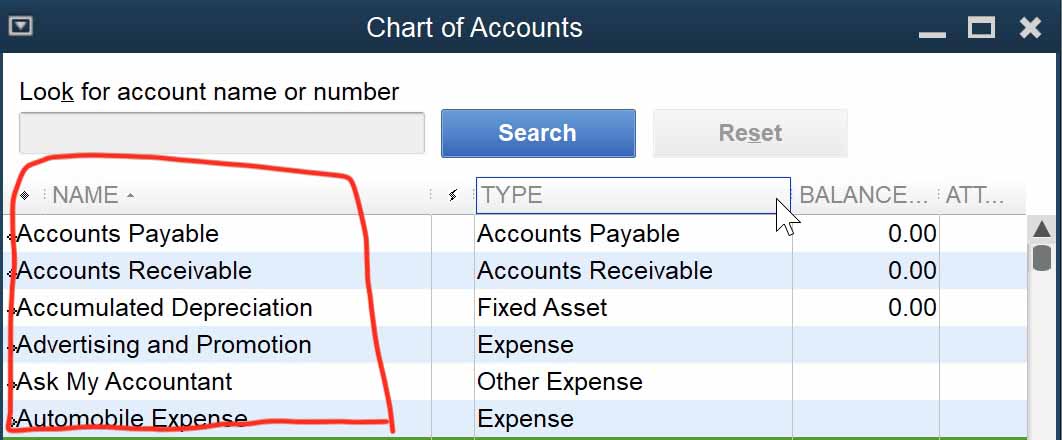
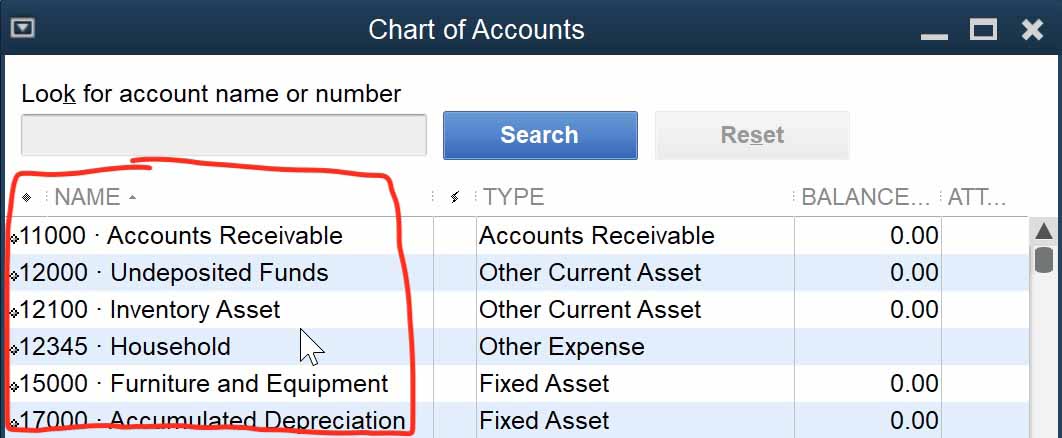
So Bank Account x1234 can also be displayed, 1000 • Bank Account x1234.
This adds to some of the confusion when importing and exporting from QuickBooks.
How does QuickBooks Desktop Import Transactions
QuickBooks Desktop requires several fields in the import file for each transaction. Among
the required fields are Date, Account Name, and Transaction Amount.
QuickBooks requires the Account Name WITHOUT the account number in front!
Using the example above, QuickBooks will only accept Bank Account x1234 as the account.
If you try to import the account with account number in front, QuickBooks will not be able to import the transactions.
QuickBooks Desktop transaction importing is rather rigid, and QuickConverter tries as much as possible to make intelligent adjustments for you. This one, however, is something that you'll need to make sure is accurate before doing something like the "Direct Fill" options in CSV Mappings.
Just make sure you are using the account name only when working with QuickBooks imports.
Importing Sub-Accounts
QuickBooks likes to see sub accounts imported like a url path with colons, ":", as separators.
So if the bank account I use in the example above was a sub account of another account
named "Local Bank", the QuickBooks will like to see Local Bank:Bank Account x1234
in the import.
QuickConverter will display the account name without the whole path in the drop down menu, but it will show the entire path in the input fields and in the IIF file you import into QuickBooks.
In this case, QuickBooks sees Local Bank:Bank Account x1234 and Bank Account x1234
as different accounts.
If the account name is imported without the path, QuickBooks will automatically make a new account with that name! Probably not what you want to have happen.
How to Turn On and Turn Off Account Numbers
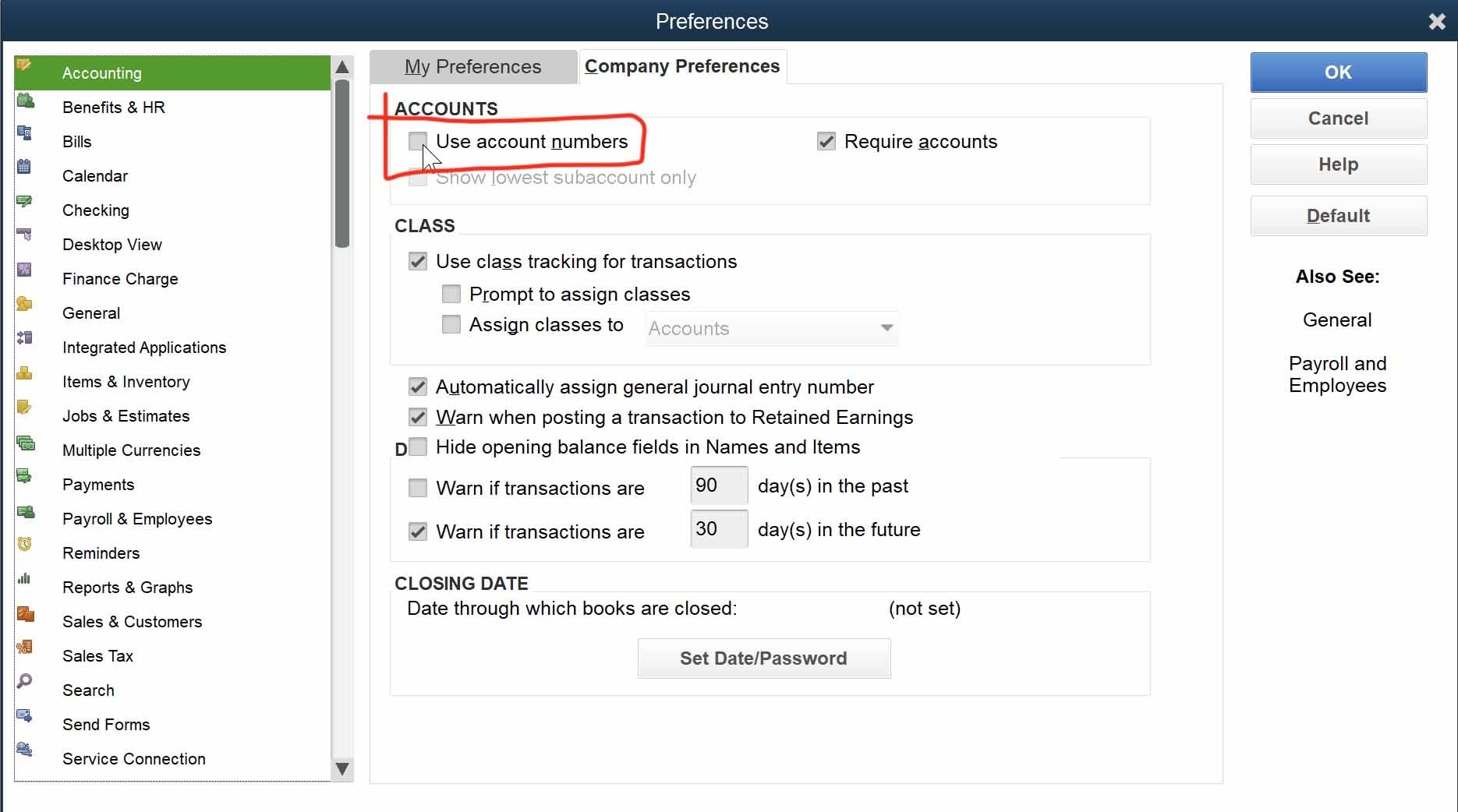
Go to Preferences > Accounts > Company Preferences tab: