Import IIFs created by QuickConverter
Files Created by QuickConverter
When you click the download button, you will download one or two files from QuickConverter, "transactions-[account-name].iif" and if you created new payees, accounts, classes, employees, vendors, or customers you will also download "new-entities.iif".
First you will want to import the new-entities.iif, if you downloaded one. Then you will import the transactions.iif file.
If you imported new-entities.iif into QuickBooks or if you make any changes to the entities in QuickBooks you need to create a new lists file for QuickConverter and import it. This keeps QuickConverter up to date with your lists in QuickBooks. You might run into issues if you don't do that.
Importing new-entities.iif
"Entities" is what I call accounts, customers, vendors, employees, other names, classes, etc.
Entities won't import if they already exist in the QuickBooks company file.
For the entities file, use the new import option underlined below, if you have it. QuickBooks will just skip any entities that already exist, and produce an error file explaining any problems encountered.
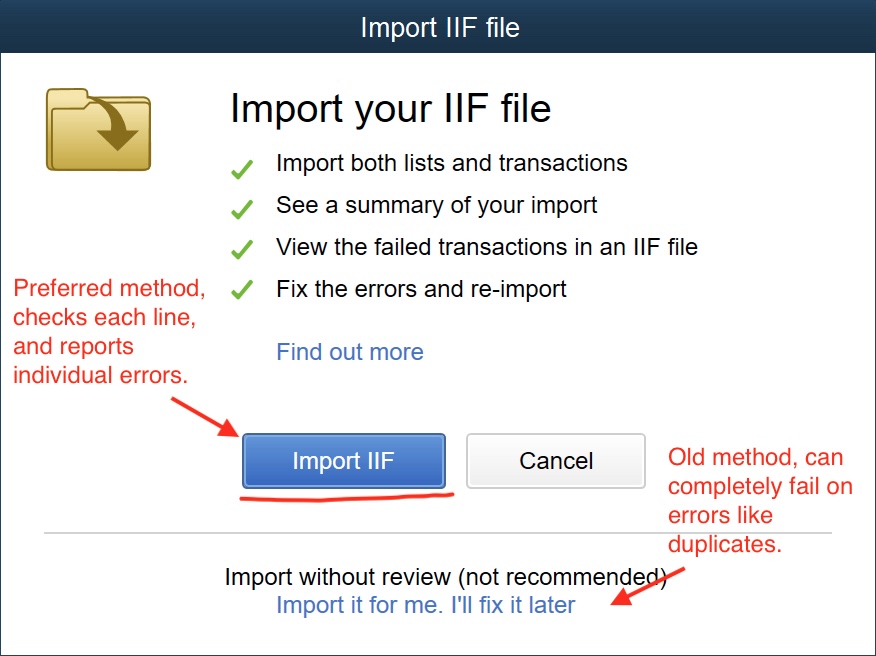
However, Older versions of QuickBooks, don't validate the IIF the same way, and they will reject entire IIF files if the entities already exist in the company file. I highly recommend that every time you use QuickConverter, you import a new QuickBooks Lists IIF of your entities.
Note: If you don't import the new-entities.IIF, QuickBooks might create the entities for you or it might throw an error. And they might not be the correct type. So if you created new entities in QuickConverter, you'll probably want to import the file so they are created correctly in your company file.
Importing transactions-[account-name].iif
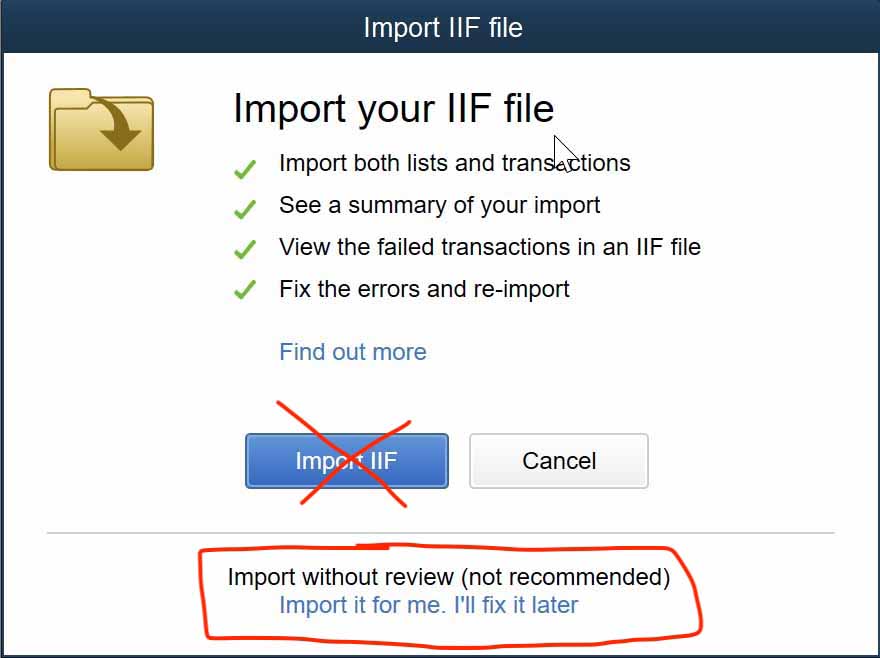
For transactions, if you are presented with the option, make sure to use the link at the bottom, "Import if for me. I'll fix it later"
I wrote an article, "How to Import an IIF into QuickBooks, the right way", explaining some of the differences with a short video demonstrating that there is a big difference.